
Connect Oura in a redesigned Data Sources
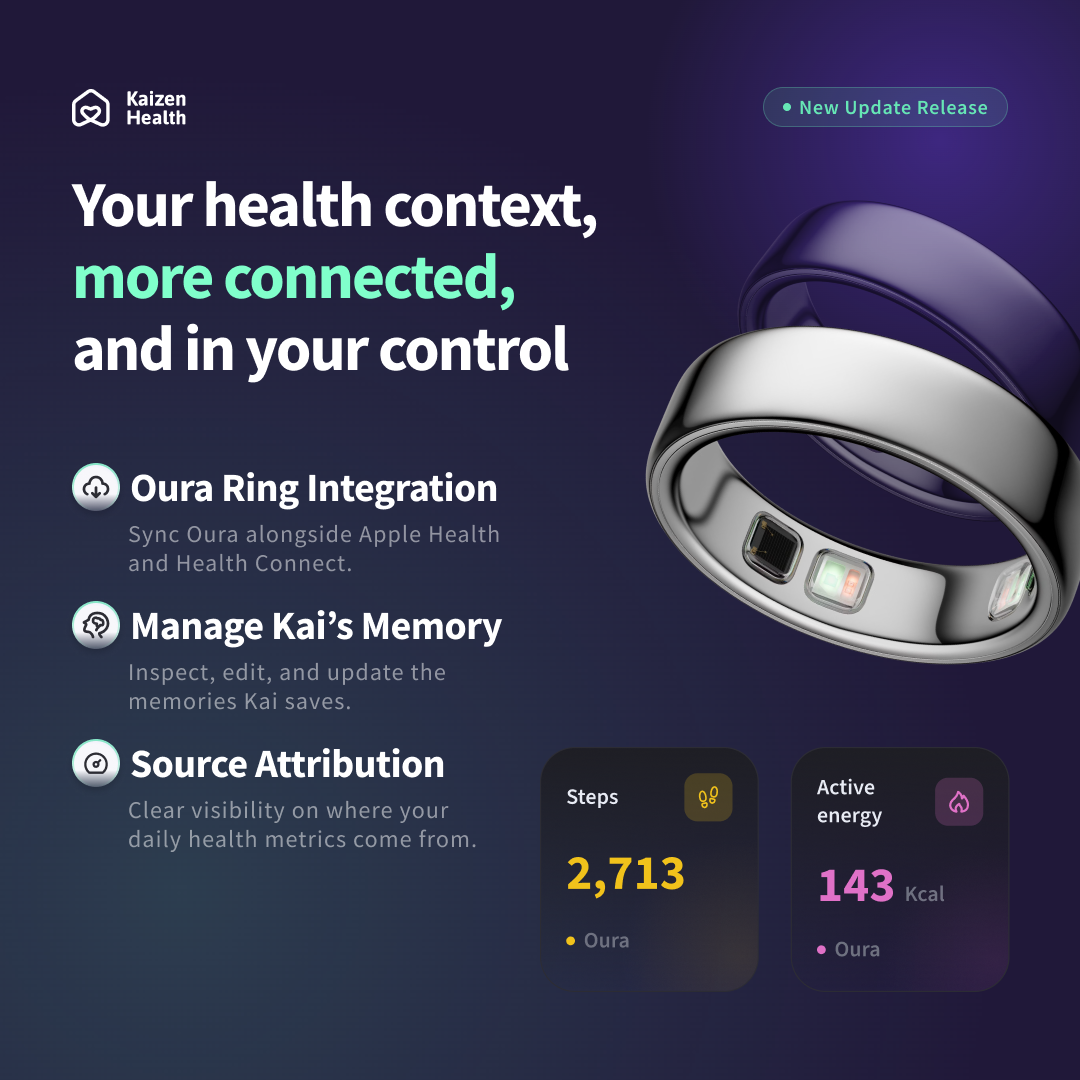
Health Permissions is now Data Sources, a single place to connect and manage the services that contribute to your health picture. Alongside Apple Health on iPhone and Health Connect on Android, you can now connect Oura, see its connection and sync status, and start a manual sync across your connected sources.
- Data Sources shows whether each connected source (Apple Health, Health Connect, or Oura) is currently connected.
- For Oura, see sync status and how recently your data was synced, and start a manual sync anytime.
- Manage your Oura connection with two separate choices: disconnect while keeping health data already imported, or disconnect and request deletion of data imported directly from Oura.
- Connecting Oura can return you to Kaizen automatically once the connection completes.
A clearer daily view of your health data
The daily Source Data view is reorganized into Activity, Heart & Lungs, Body, and Sleep sections, with cards for steps, active energy, exercise time, stand time, heart rate, blood oxygen, weight, and time asleep. Move backward and forward by day, up to the most recent day with synced data.
- Each available metric can show its source (Apple Health, Health Connect, Oura, or imported data), so you know where a number came from.
- Clearer empty, loading, historical, and latest-data states make the screen easier to read at every point.
- Light and dark themes received updated card styling.
Save the health insights you want to revisit
Health-news cards in Discover Health Insights have a new look, with publisher identity, an article image, publication date, and a short summary alongside Read, Share, and Save actions. A new Saved Articles destination in Profile collects everything you bookmark.
- Save or unsave an article directly from the Discover Health Insights feed.
- Find your saved reading anytime in Saved Articles, with pagination, pull-to-refresh, retry, and empty states.
- Saved articles are tied to your signed-in Kaizen account.
- Article pages also received mobile WebView improvements, including better scrolling and content sizing on Android.
See what Kai remembers, and edit it anytime
When a conversation leads Kai to save or update a memory, you'll now see a Memory saved or Memory updated indicator on the assistant's message. Tap it to open a detail sheet showing exactly what Kai will remember, with a direct link to Manage Memories.
- Create memories up to 2,000 characters, up from 200.
- Edit an individual memory, and choose which one to edit when several were created together.
- Continue deleting individual memory groups or all memories at once.
- Edit flows handle unsafe or unclear edits, conflicts, and memories that no longer exist.
Knowing who a record is about
When you create or edit a note, file, medication, or event (or scan a document), Kaizen now asks whether the record is about you or someone else, and lets you optionally identify who. Only records confirmed as your own are eligible to be added to your Kai memory.
- Records about someone else stay in Documents but are not added to either person's Kai memory through this flow.
- Kaizen flags existing records that haven't yet been verified or that belong to someone else.
- Document-to-memory extraction now clearly indicates when a premium plan is required.
Clearer guidance for partial Android health access
Kaizen now distinguishes between no Health Connect access and partial access. When some health metrics aren't available, Home can explain that your Health Score is using limited data, name the missing categories, and link you to review your health access. Upload flows also respect the Android permissions you've actually granted, reducing attempts to read data you haven't shared.
Additional polish
This release also improves scrolling in article and OAuth WebViews on Android, refines article card height and loading skeletons, improves Oura connection error and cancellation handling, and adds new feature copy in English, Spanish, Hindi, Japanese, Korean, and Simplified Chinese.
Availability
Kaizen Health v1.16.0 is available for supported iPhone and Android devices. Update from the App Store or Google Play to connect Oura, explore the redesigned Source Data view, save articles, and review the latest Kai memory controls.
Stay Connected
Tell us how Oura, Saved Articles, and the new memory controls fit into your family's health routine, and what you would like us to build next.